
Are you reading this in early January? You might still have time. Reading this after January 15th? You need to act fast.
There’s a tax deadline that most Amazon sellers don’t know about. And it costs them thousands of dollars every year.
The Tax Deadline No One Talks About
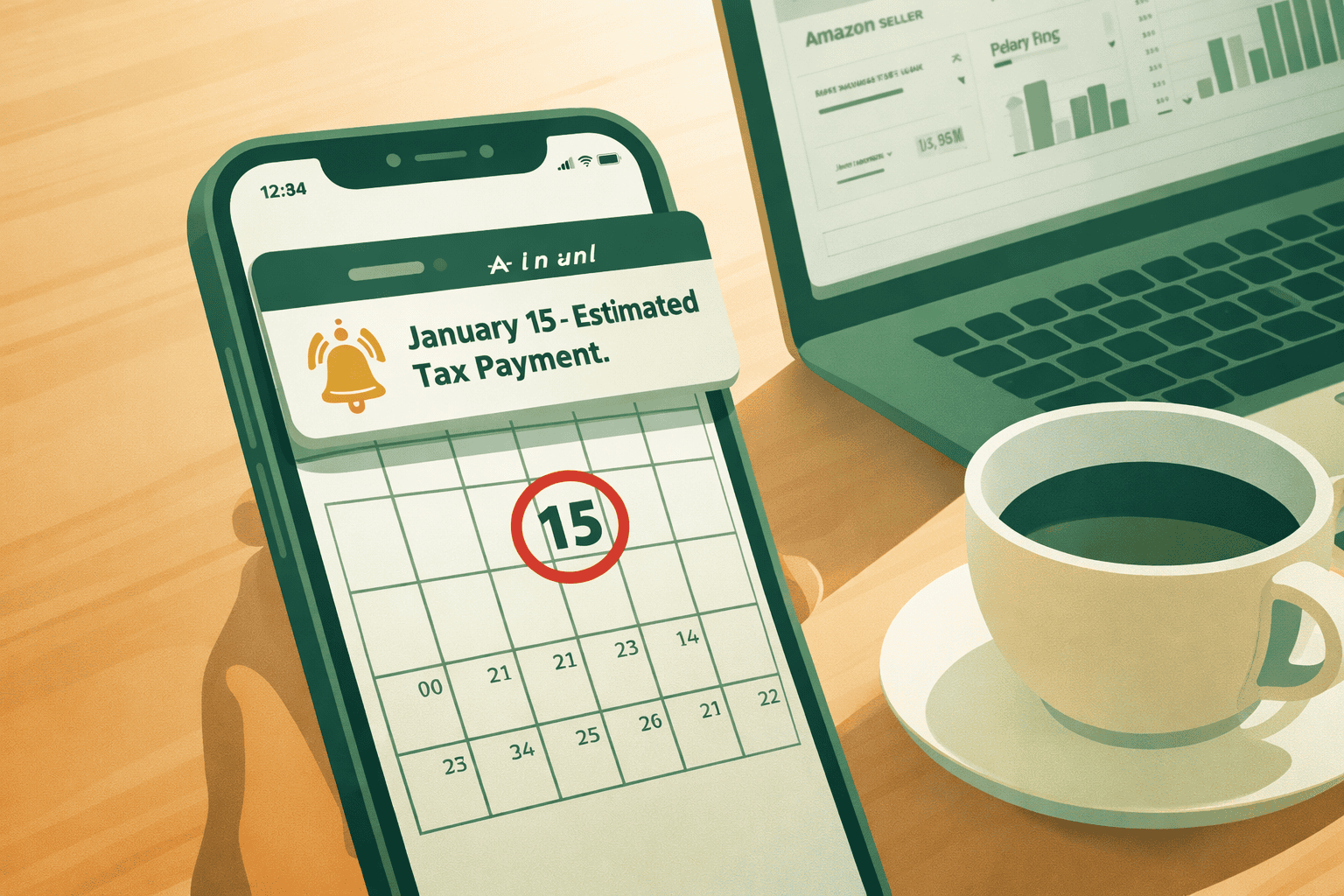
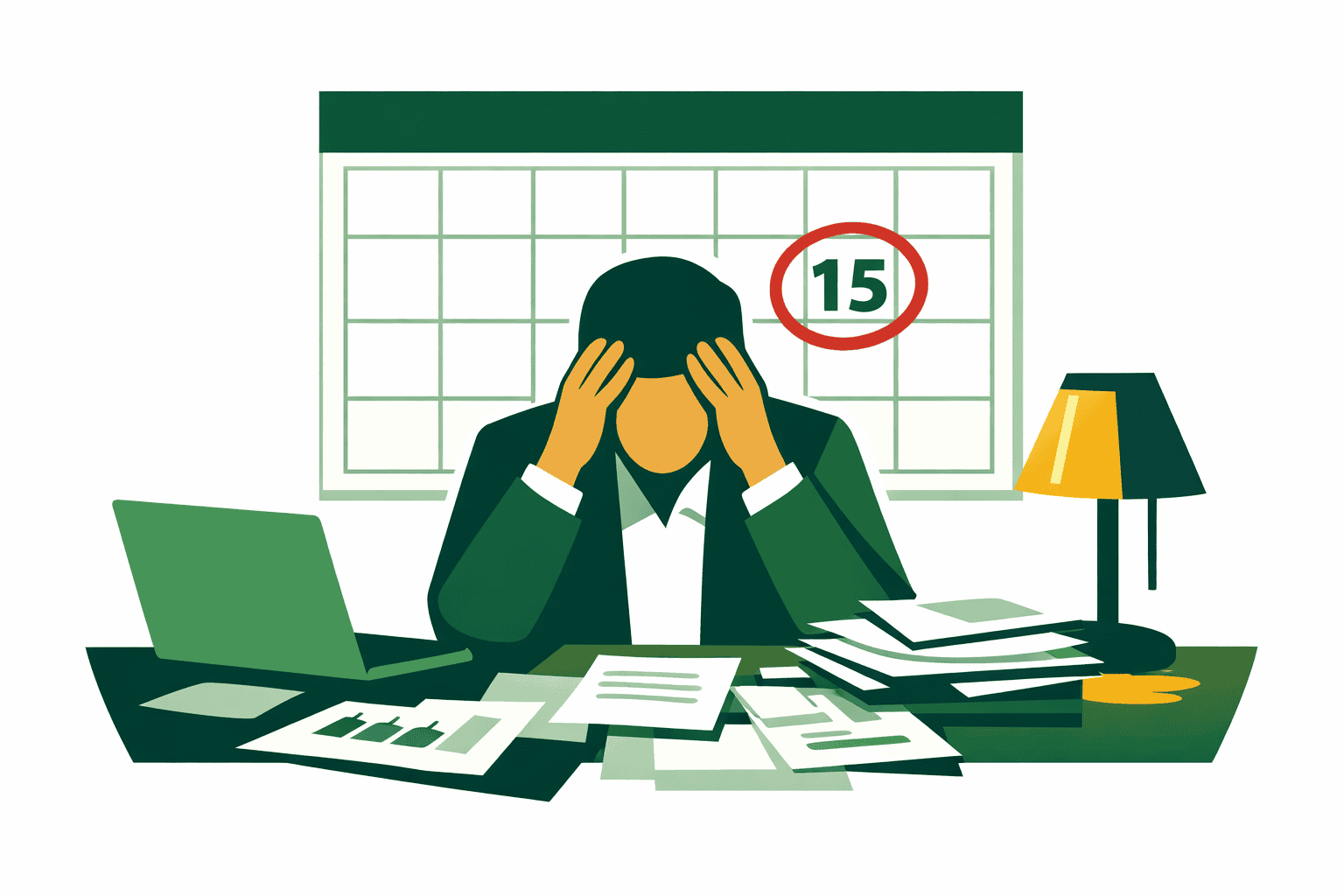
January 15th is important. It’s the day you need to pay your taxes for the last 3 months of last year.
Most people know about April 15th. That’s when you file your tax return. But January 15th? Most sellers miss it completely.
Here’s what you need to know: The U.S. has a “pay-as-you-go” tax system. When you had a regular job, your boss took taxes out of every paycheck. They sent that money to the IRS for you.
But now you sell on Amazon. You’re the boss. You have to pay your taxes throughout the year. Not just at the end.
What Are Quarterly Estimated Taxes?
Think of it like this: You need to pay taxes four times per year.
Here are the dates:
- Quarter 1 (Jan – Mar): Pay by April 15
- Quarter 2 (Apr – May): Pay by June 15
- Quarter 3 (Jun – Aug): Pay by September 15
- Quarter 4 (Sep – Dec): Pay by January 15 of next year
See something weird? These aren’t normal quarters. The second one is only 2 months. And the fourth quarter payment happens in January of the next year.
That’s why people miss it. It feels like it’s for the new year. But it’s actually for last year.

Do You Need to Pay Quarterly Taxes?
You need to pay quarterly taxes if:
You will owe $1,000 or more in taxes this year
OR
Your withholdings will cover less than 90% of what you owe
The Extra Tax That Surprises Everyone
Here’s what shocks new Amazon sellers: You don’t just pay income tax. You also pay something called self-employment tax.
When you had a regular job, you and your boss split this tax. Now you pay both parts. That’s an extra 15.3% on top of your income tax.
This is why experts say to save 25-30% of your profit for taxes. Not just 15-20%.
The Penalty: What It Really Costs
The penalty isn’t small. Right now, the IRS charges 7% per year. That adds up every single day.
A Real Example
Meet Sarah. She sells kitchen gadgets on Amazon.
In 2025, she made:
- $180,000 in sales
- $72,000 in profit after expenses
She should have paid taxes four times during the year. But she forgot. She got busy with holiday sales and didn’t think about it.
Here’s what she owed:
- Income tax: $15,840
- Self-employment tax: $11,016
- Total: $26,856
- Each quarterly payment: $6,714
Because she paid everything late, she got hit with a penalty of almost $1,880.
That’s $1,880 she could have spent on inventory. Or ads. Or herself. Gone because she missed deadlines.
How the Penalty Grows
The penalty starts the day your payment was due. It grows every single day until you pay.
Miss the January 15th payment? You’re adding penalties for over 3 months before most people even file their taxes.
How to Avoid the Penalty
The IRS gives you three ways to avoid penalties. You only need to meet ONE of these:
Option 1: Owe Less Than $1,000
If you owe less than $1,000 total (after all payments), no penalty.
Option 2: Pay 90% of This Year’s Tax
Pay at least 90% of what you’ll owe this year through quarterly payments.
Option 3: Pay 100% of Last Year’s Tax
Pay 100% of what you paid in taxes last year. (If you made over $150,000, it’s 110%.)
Smart tip: Many tax pros recommend Option 3. Use last year’s tax return to calculate your payments. Then you’re protected even if you make more money this year.
What to Do About January 15th
If You Haven’t Paid Yet
Don’t panic. But do act now.
Here’s what to do:
- Figure out what you owe for October, November, and December
- Pay it as soon as possible
- Write down when you paid and how much
Even if you’re late, paying now stops the penalty from getting bigger.
If You Missed Earlier Payments Too
The penalty adds up for each payment you miss. But good news: If you pay now, you can lower those penalties too.
5 Big Mistakes Amazon Sellers Make
Mistake 1: Spending All Your Amazon Money
When Amazon pays you, that’s not all yours to keep. That money includes:
- What you paid for products
- Amazon’s fees (15-20% of sales)
- Storage fees
- Ad costs
- Taxes
Fix it: Open a separate bank account just for taxes. Every time Amazon pays you, move 25-30% to that account. Don’t touch it.
Mistake 2: Thinking Amazon Handles All Taxes
Amazon does collect sales tax in most states. But that’s different from income tax. You still owe:
- Federal income tax
- State income tax
- Self-employment tax
- Quarterly payments for all of these
Fix it: Sales tax was never your money. It belongs to the state. Income tax comes from your actual profit.
Mistake 3: Bad Record Keeping
The IRS gets a copy of your 1099-K from Amazon. But that form only shows total payments. It doesn’t show:
- Returns and refunds
- Amazon fees
- Your actual expenses
- What you paid for products
If your records don’t match, you could get audited.
Fix it: Use accounting software like QuickBooks or Xero. Or hire a bookkeeper who knows Amazon.
Mistake 4: Ignoring Multiple States
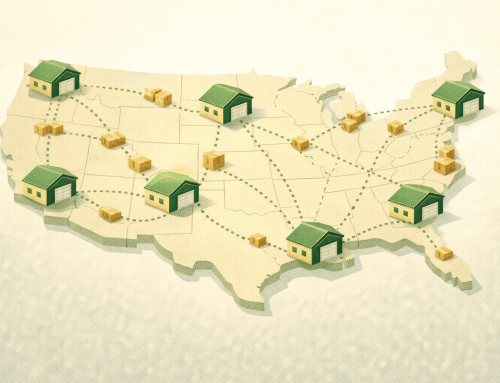
If you use FBA, Amazon stores your products in different warehouses. Those warehouses are in different states. Each state might want you to:
- File a tax return there
- Get a business license
- Make quarterly payments to that state
Fix it: Talk to a tax pro about which states you need to worry about.
Mistake 5: Not Taking All Your Deductions
Many sellers miss deductions they could take. This means they pay more tax than needed.
Fix it: Keep receipts for everything. Use software to track all expenses.
How to Calculate Your Quarterly Payment
Step 1: Find Your Profit
Look at your Amazon reports:
- Total sales
- What you paid for products (cost of goods)
- All Amazon fees
- Ad costs
- Other expenses
Then calculate: Sales – Product Costs – All Expenses = Profit
Step 2: Figure Out Your Tax
Apply these to your profit:
- Self-employment tax: 15.3%
- Income tax: Depends on your tax bracket
- State tax: Depends on your state
Example:
- Profit: $60,000
- Self-employment tax: $8,478
- Income tax (at 22%): $13,200
- State tax (at 5%): $3,000
- Total tax: $24,678
Step 3: Divide by Four
$24,678 ÷ 4 = $6,170 per quarter
Or you can use the safe method: Take last year’s total tax ÷ 4
Step 4: Pay It
Three ways to pay:
- IRS Website (Best way)
- Go to irs.gov/account
- Make payment online
- Free and instant
- IRS Direct Pay
- Go to irs.gov/payments/direct-pay
- Pay from your bank account
- No registration needed
- Mail a Check
- Use Form 1040-ES
- Slowest method
Step 5: Keep Records
Write down:
- Date you paid
- How much you paid
- How you paid
- Confirmation number
- Which quarter it’s for
Keep these records for 7 years.

Already Behind? Here’s Your Plan
Don’t wait. The penalty grows every day.
Do This Right Now (Next 48 Hours)
- Figure out what you owe for all of 2025
- Pay what you can today
- Call an accountant if you have one
Do This Soon (Next 2 Weeks)
- Open a tax savings account
- Calculate your next payment (due April 15, 2026)
- Set phone reminders for all quarterly dates
- Talk to a tax pro about your business
Set Up Systems (Next Month)
- Automate your tax savings
- Move 30% of each Amazon payment to your tax account automatically
- Some banks can do this for you
- Get better accounting software
- Use one that connects to Amazon
- Consider hiring a bookkeeper
- Make a tax calendar
- Mark all four quarterly dates
- Add your state tax dates too
- Set reminders 2 weeks before each one
- Find an eCommerce accountant
- Meet every 3 months to check your payments
- Do tax planning once per year
- Get help with year-end strategies
Important Dates for 2026
Mark these on your calendar NOW:
- January 15, 2026: Pay Q4 2025 taxes
- April 15, 2026: File 2025 tax return + Pay Q1 2026 taxes
- June 16, 2026: Pay Q2 2026 taxes (June 15 is Sunday)
- September 15, 2026: Pay Q3 2026 taxes
- January 15, 2027: Pay Q4 2026 taxes
Special tip: You can skip the January 15th payment if you file your tax return and pay everything by March 1st.
Expenses You Can Deduct
Taking deductions lowers your taxable income. That means less tax to pay.
Products and Inventory
- What you paid for products
- Storage fees
- Products that got damaged or expired
- Samples for testing
Amazon Fees
- Monthly subscription
- Fees on each sale
- FBA shipping fees
- Storage fees
- Removal fees
- Ad costs
Running Your Business
- Business license
- Accountant and lawyer fees
- Software and tools
- Bank fees
- Insurance
Marketing
- Amazon ads
- Facebook and Google ads
- Product photos
- Videos
- Graphic design
- Trademark fees
Home Office
- Part of your rent (if you have a dedicated office space)
- Part of utilities
- Internet and phone
- Office furniture
- Repairs for your office
Travel
- Miles driven for business ($0.67 per mile in 2024)
- Trade show trips
- Visiting suppliers
- Going to fulfillment centers
- Parking and tolls
Learning
- Online courses about selling
- Conference tickets
- Books about business
- Coaching programs
- Professional memberships
Important: Keep receipts for everything. The IRS wants proof.
Staying Out of Trouble with the IRS
What Gets You Audited?
The IRS pays extra attention to:
- Big differences between your 1099-K and what you report
- Losing money every year
- Really high deductions compared to income
- Round numbers (looks like you’re guessing)
- Big changes in income from year to year
How to Protect Yourself
- Match your 1099-K to your records
- Show where all the money went
- Explain returns and refunds
- Keep detailed notes
- Write things down as they happen
- Don’t wait months to record expenses
- Save receipts digitally
- Use software that tracks everything
- Keep business and personal separate
- Get a business bank account
- Get a business credit card
- Never mix business and personal money
- Document your home office carefully
- Measure your office space
- Take photos showing it’s only for business
- Keep records of home expenses
- Be careful with deductions
- If you’re not sure, ask your accountant
- Better to miss a small deduction than get audited
Can You Get Out of a Penalty?
Sometimes the IRS will forgive penalties if you have a good reason:
Good reasons:
- Someone in your family died
- You got seriously sick
- Natural disaster hit your area
- The IRS gave you wrong advice (in writing)
- You’re over 62 and just retired
- You became disabled
To ask for forgiveness:
- Fill out Form 2210
- Write a detailed explanation
- Show proof
- Sign it
- Send it with your tax return
Tools That Make This Easier
Software for Accounting
- QuickBooks Online: Most popular, works with Amazon
- Xero + A2X: Great for FBA sellers
- Tall Oak Advisors: We do your bookkeeping for you
Tax Calculators
- TurboTax Self-Employed: Good for simple situations
- TaxAct: Costs less
- IRS Form 1040-ES: Free from IRS
Payment Websites
- IRS Online Account: Manage federal payments
- EFTPS: Electronic payment system
- State websites: Different for each state
Learning Resources
- IRS Publication 505: About estimated taxes
- IRS Publication 334: Tax guide for small business
- Amazon Seller Central: Tax info for sellers
Find Professional Help
- American Institute of CPAs: Find accountants
- Tall Oak Advisors: We specialize in eCommerce
Your Tax System for Success
The difference between sellers who do well with taxes and those who struggle isn’t how smart they are. It’s about having systems.
Every Day
- Put expenses in your accounting software
- Save receipts right away
- Check Amazon payments
Every Week
- Make sure Amazon payments match your bank
- Move tax money to separate account (25-30% of profit)
- Check your profit margins
Every Month
- Look at your profit and loss report
- Make sure all accounts match
- Check inventory and storage fees
- Review ad spending
Every Quarter
- Calculate and pay taxes by deadline
- Meet with your accountant
- Compare actual results to what you expected
- Adjust payments if your income changed
Every Year
- File tax return by April 15
- Do tax planning by mid-December
- Talk about business structure with accountant
- Plan strategy for next year
- Save last year’s records

The Bottom Line
The January 15th tax deadline is just one piece of your tax puzzle. But it’s a piece that costs thousands of sellers unnecessary money every year.
The penalty rate of 7% adds up fast. A $5,000 missed payment quickly becomes a $5,350+ problem.
But here’s good news: now you know about it. You can protect yourself.
Whether you’re reading this before or after January 15th, take action today:
- Calculate what you owe for Q4 2025
- Pay it right away if you haven’t
- Set up automatic systems so you never miss again
- Work with an accountant who understands Amazon
Remember: The IRS doesn’t care that you were busy with holiday sales. They don’t care that you didn’t know about quarterly taxes. They care about whether you paid on time.
The most expensive money you’ll ever spend is penalty money that you could have avoided.
Stop letting confusion cost you thousands in penalties. The tax system isn’t simple. But with the right knowledge and systems, you can handle it. And keep more of your hard-earned profit.
Don’t Let Another Quarterly Deadline Catch You Off Guard
If reading this article made you realize you’ve been flying blind with your Amazon tax obligations, you’re not alone—and you don’t have to figure this out by yourself. At Tall Oak Advisors, we exclusively serve eCommerce businesses, which means we speak your language.
We know how to reconcile your 1099-K with actual deposits, navigate multi-state nexus from FBA inventory, and structure your quarterly payments so you never face another penalty.
We’ve helped hundreds of Amazon sellers transform their tax chaos into a predictable, optimized system that protects their profit margins. Stop guessing at your quarterly payments and start working with CPAs who understand the unique complexities of your business model.
Get your free eCommerce tax quote now and discover exactly how much you could save—both in taxes and in stress—when you have specialists in your corner.
Disclaimer: This article is for informational purposes only and does not constitute tax, legal, or financial advice. Tax laws change frequently. Always consult with a qualified tax professional regarding your specific situation.
Take Control of Your Finances Today!
Whether you’re a Reseller (Wholesale, Retail Arbitrage, Online Arbitrage, Dropshipping) or a Brand Owner, managing finances is key to your success. We support eCommerce businesses across major platforms like Amazon, Shopify, eBay, Walmart, Etsy, BigCommerce, and beyond.
See if you qualify for a free strategy session with our team to learn how Tall Oak Advisors can streamline your bookkeeping and ensure accurate tax preparation for your business.
Need a quick quote?
Or explore our range of free resources crafted specifically for eCommerce sellers:
- Business Tax Worksheet
- Frequently Asked Questions About Taxes and Bookkeeping
- Tax Write-Offs Every Amazon and Shopify Seller Should Know
Take the first step toward a stronger financial future and position your business for long-term success.
Are you reading this in early January? You might still have time. Reading this after January 15th? You need to act fast.
There’s a tax deadline that most Amazon sellers don’t know about. And it costs them thousands of dollars every year.
The Tax Deadline No One Talks About
January 15th is important. It’s the day you need to pay your taxes for the last 3 months of last year.
Most people know about April 15th. That’s when you file your tax return. But January 15th? Most sellers miss it completely.
Here’s what you need to know: The U.S. has a “pay-as-you-go” tax system. When you had a regular job, your boss took taxes out of every paycheck. They sent that money to the IRS for you.
But now you sell on Amazon. You’re the boss. You have to pay your taxes throughout the year. Not just at the end.
What Are Quarterly Estimated Taxes?
Think of it like this: You need to pay taxes four times per year.
Here are the dates:
- Quarter 1 (Jan – Mar): Pay by April 15
- Quarter 2 (Apr – May): Pay by June 15
- Quarter 3 (Jun – Aug): Pay by September 15
- Quarter 4 (Sep – Dec): Pay by January 15 of next year
See something weird? These aren’t normal quarters. The second one is only 2 months. And the fourth quarter payment happens in January of the next year.
That’s why people miss it. It feels like it’s for the new year. But it’s actually for last year.
Do You Need to Pay Quarterly Taxes?
You need to pay quarterly taxes if:
You will owe $1,000 or more in taxes this year
OR
Your withholdings will cover less than 90% of what you owe
The Extra Tax That Surprises Everyone
Here’s what shocks new Amazon sellers: You don’t just pay income tax. You also pay something called self-employment tax.
When you had a regular job, you and your boss split this tax. Now you pay both parts. That’s an extra 15.3% on top of your income tax.
This is why experts say to save 25-30% of your profit for taxes. Not just 15-20%.
The Penalty: What It Really Costs
The penalty isn’t small. Right now, the IRS charges 7% per year. That adds up every single day.
A Real Example
Meet Sarah. She sells kitchen gadgets on Amazon.
In 2025, she made:
- $180,000 in sales
- $72,000 in profit after expenses
She should have paid taxes four times during the year. But she forgot. She got busy with holiday sales and didn’t think about it.
Here’s what she owed:
- Income tax: $15,840
- Self-employment tax: $11,016
- Total: $26,856
- Each quarterly payment: $6,714
Because she paid everything late, she got hit with a penalty of almost $1,880.
That’s $1,880 she could have spent on inventory. Or ads. Or herself. Gone because she missed deadlines.
How the Penalty Grows
The penalty starts the day your payment was due. It grows every single day until you pay.
Miss the January 15th payment? You’re adding penalties for over 3 months before most people even file their taxes.
How to Avoid the Penalty
The IRS gives you three ways to avoid penalties. You only need to meet ONE of these:
Option 1: Owe Less Than $1,000
If you owe less than $1,000 total (after all payments), no penalty.
Option 2: Pay 90% of This Year’s Tax
Pay at least 90% of what you’ll owe this year through quarterly payments.
Option 3: Pay 100% of Last Year’s Tax
Pay 100% of what you paid in taxes last year. (If you made over $150,000, it’s 110%.)
Smart tip: Many tax pros recommend Option 3. Use last year’s tax return to calculate your payments. Then you’re protected even if you make more money this year.
What to Do About January 15th
If You Haven’t Paid Yet
Don’t panic. But do act now.
Here’s what to do:
- Figure out what you owe for October, November, and December
- Pay it as soon as possible
- Write down when you paid and how much
Even if you’re late, paying now stops the penalty from getting bigger.
If You Missed Earlier Payments Too
The penalty adds up for each payment you miss. But good news: If you pay now, you can lower those penalties too.
5 Big Mistakes Amazon Sellers Make
Mistake 1: Spending All Your Amazon Money
When Amazon pays you, that’s not all yours to keep. That money includes:
- What you paid for products
- Amazon’s fees (15-20% of sales)
- Storage fees
- Ad costs
- Taxes
Fix it: Open a separate bank account just for taxes. Every time Amazon pays you, move 25-30% to that account. Don’t touch it.
Mistake 2: Thinking Amazon Handles All Taxes
Amazon does collect sales tax in most states. But that’s different from income tax. You still owe:
- Federal income tax
- State income tax
- Self-employment tax
- Quarterly payments for all of these
Fix it: Sales tax was never your money. It belongs to the state. Income tax comes from your actual profit.
Mistake 3: Bad Record Keeping
The IRS gets a copy of your 1099-K from Amazon. But that form only shows total payments. It doesn’t show:
- Returns and refunds
- Amazon fees
- Your actual expenses
- What you paid for products
If your records don’t match, you could get audited.
Fix it: Use accounting software like QuickBooks or Xero. Or hire a bookkeeper who knows Amazon.
Mistake 4: Ignoring Multiple States
If you use FBA, Amazon stores your products in different warehouses. Those warehouses are in different states. Each state might want you to:
- File a tax return there
- Get a business license
- Make quarterly payments to that state
Fix it: Talk to a tax pro about which states you need to worry about.
Mistake 5: Not Taking All Your Deductions
Many sellers miss deductions they could take. This means they pay more tax than needed.
Fix it: Keep receipts for everything. Use software to track all expenses.
How to Calculate Your Quarterly Payment
Step 1: Find Your Profit
Look at your Amazon reports:
- Total sales
- What you paid for products (cost of goods)
- All Amazon fees
- Ad costs
- Other expenses
Then calculate: Sales – Product Costs – All Expenses = Profit
Step 2: Figure Out Your Tax
Apply these to your profit:
- Self-employment tax: 15.3%
- Income tax: Depends on your tax bracket
- State tax: Depends on your state
Example:
- Profit: $60,000
- Self-employment tax: $8,478
- Income tax (at 22%): $13,200
- State tax (at 5%): $3,000
- Total tax: $24,678
Step 3: Divide by Four
$24,678 ÷ 4 = $6,170 per quarter
Or you can use the safe method: Take last year’s total tax ÷ 4
Step 4: Pay It
Three ways to pay:
- IRS Website (Best way)
- Go to irs.gov/account
- Make payment online
- Free and instant
- IRS Direct Pay
- Go to irs.gov/payments/direct-pay
- Pay from your bank account
- No registration needed
- Mail a Check
- Use Form 1040-ES
- Slowest method
Step 5: Keep Records
Write down:
- Date you paid
- How much you paid
- How you paid
- Confirmation number
- Which quarter it’s for
Keep these records for 7 years.
Already Behind? Here’s Your Plan
Don’t wait. The penalty grows every day.
Do This Right Now (Next 48 Hours)
- Figure out what you owe for all of 2025
- Pay what you can today
- Call an accountant if you have one
Do This Soon (Next 2 Weeks)
- Open a tax savings account
- Calculate your next payment (due April 15, 2026)
- Set phone reminders for all quarterly dates
- Talk to a tax pro about your business
Set Up Systems (Next Month)
- Automate your tax savings
- Move 30% of each Amazon payment to your tax account automatically
- Some banks can do this for you
- Get better accounting software
- Use one that connects to Amazon
- Consider hiring a bookkeeper
- Make a tax calendar
- Mark all four quarterly dates
- Add your state tax dates too
- Set reminders 2 weeks before each one
- Find an eCommerce accountant
- Meet every 3 months to check your payments
- Do tax planning once per year
- Get help with year-end strategies
Important Dates for 2026
Mark these on your calendar NOW:
- January 15, 2026: Pay Q4 2025 taxes
- April 15, 2026: File 2025 tax return + Pay Q1 2026 taxes
- June 16, 2026: Pay Q2 2026 taxes (June 15 is Sunday)
- September 15, 2026: Pay Q3 2026 taxes
- January 15, 2027: Pay Q4 2026 taxes
Special tip: You can skip the January 15th payment if you file your tax return and pay everything by March 1st.
Expenses You Can Deduct
Taking deductions lowers your taxable income. That means less tax to pay.
Products and Inventory
- What you paid for products
- Storage fees
- Products that got damaged or expired
- Samples for testing
Amazon Fees
- Monthly subscription
- Fees on each sale
- FBA shipping fees
- Storage fees
- Removal fees
- Ad costs
Running Your Business
- Business license
- Accountant and lawyer fees
- Software and tools
- Bank fees
- Insurance
Marketing
- Amazon ads
- Facebook and Google ads
- Product photos
- Videos
- Graphic design
- Trademark fees
Home Office
- Part of your rent (if you have a dedicated office space)
- Part of utilities
- Internet and phone
- Office furniture
- Repairs for your office
Travel
- Miles driven for business ($0.67 per mile in 2024)
- Trade show trips
- Visiting suppliers
- Going to fulfillment centers
- Parking and tolls
Learning
- Online courses about selling
- Conference tickets
- Books about business
- Coaching programs
- Professional memberships
Important: Keep receipts for everything. The IRS wants proof.
Staying Out of Trouble with the IRS
What Gets You Audited?
The IRS pays extra attention to:
- Big differences between your 1099-K and what you report
- Losing money every year
- Really high deductions compared to income
- Round numbers (looks like you’re guessing)
- Big changes in income from year to year
How to Protect Yourself
- Match your 1099-K to your records
- Show where all the money went
- Explain returns and refunds
- Keep detailed notes
- Write things down as they happen
- Don’t wait months to record expenses
- Save receipts digitally
- Use software that tracks everything
- Keep business and personal separate
- Get a business bank account
- Get a business credit card
- Never mix business and personal money
- Document your home office carefully
- Measure your office space
- Take photos showing it’s only for business
- Keep records of home expenses
- Be careful with deductions
- If you’re not sure, ask your accountant
- Better to miss a small deduction than get audited
Can You Get Out of a Penalty?
Sometimes the IRS will forgive penalties if you have a good reason:
Good reasons:
- Someone in your family died
- You got seriously sick
- Natural disaster hit your area
- The IRS gave you wrong advice (in writing)
- You’re over 62 and just retired
- You became disabled
To ask for forgiveness:
- Fill out Form 2210
- Write a detailed explanation
- Show proof
- Sign it
- Send it with your tax return
Tools That Make This Easier
Software for Accounting
- QuickBooks Online: Most popular, works with Amazon
- Xero + A2X: Great for FBA sellers
- Tall Oak Advisors: We do your bookkeeping for you
Tax Calculators
- TurboTax Self-Employed: Good for simple situations
- TaxAct: Costs less
- IRS Form 1040-ES: Free from IRS
Payment Websites
- IRS Online Account: Manage federal payments
- EFTPS: Electronic payment system
- State websites: Different for each state
Learning Resources
- IRS Publication 505: About estimated taxes
- IRS Publication 334: Tax guide for small business
- Amazon Seller Central: Tax info for sellers
Find Professional Help
- American Institute of CPAs: Find accountants
- Tall Oak Advisors: We specialize in eCommerce
Your Tax System for Success
The difference between sellers who do well with taxes and those who struggle isn’t how smart they are. It’s about having systems.
Every Day
- Put expenses in your accounting software
- Save receipts right away
- Check Amazon payments
Every Week
- Make sure Amazon payments match your bank
- Move tax money to separate account (25-30% of profit)
- Check your profit margins
Every Month
- Look at your profit and loss report
- Make sure all accounts match
- Check inventory and storage fees
- Review ad spending
Every Quarter
- Calculate and pay taxes by deadline
- Meet with your accountant
- Compare actual results to what you expected
- Adjust payments if your income changed
Every Year
- File tax return by April 15
- Do tax planning by mid-December
- Talk about business structure with accountant
- Plan strategy for next year
- Save last year’s records
The Bottom Line
The January 15th tax deadline is just one piece of your tax puzzle. But it’s a piece that costs thousands of sellers unnecessary money every year.
The penalty rate of 7% adds up fast. A $5,000 missed payment quickly becomes a $5,350+ problem.
But here’s good news: now you know about it. You can protect yourself.
Whether you’re reading this before or after January 15th, take action today:
- Calculate what you owe for Q4 2025
- Pay it right away if you haven’t
- Set up automatic systems so you never miss again
- Work with an accountant who understands Amazon
Remember: The IRS doesn’t care that you were busy with holiday sales. They don’t care that you didn’t know about quarterly taxes. They care about whether you paid on time.
The most expensive money you’ll ever spend is penalty money that you could have avoided.
Stop letting confusion cost you thousands in penalties. The tax system isn’t simple. But with the right knowledge and systems, you can handle it. And keep more of your hard-earned profit.
Don’t Let Another Quarterly Deadline Catch You Off Guard
If reading this article made you realize you’ve been flying blind with your Amazon tax obligations, you’re not alone—and you don’t have to figure this out by yourself. At Tall Oak Advisors, we exclusively serve eCommerce businesses, which means we speak your language.
We know how to reconcile your 1099-K with actual deposits, navigate multi-state nexus from FBA inventory, and structure your quarterly payments so you never face another penalty.
We’ve helped hundreds of Amazon sellers transform their tax chaos into a predictable, optimized system that protects their profit margins. Stop guessing at your quarterly payments and start working with CPAs who understand the unique complexities of your business model.
Get your free eCommerce tax quote now and discover exactly how much you could save—both in taxes and in stress—when you have specialists in your corner.
Disclaimer: This article is for informational purposes only and does not constitute tax, legal, or financial advice. Tax laws change frequently. Always consult with a qualified tax professional regarding your specific situation.
Take Control of Your Finances Today!
Whether you’re a Reseller (Wholesale, Retail Arbitrage, Online Arbitrage, Dropshipping) or a Brand Owner, managing finances is key to your success. We support eCommerce businesses across major platforms like Amazon, Shopify, eBay, Walmart, Etsy, BigCommerce, and beyond.
See if you qualify for a free strategy session with our team to learn how Tall Oak Advisors can streamline your bookkeeping and ensure accurate tax preparation for your business.
Need a quick quote?
Or explore our range of free resources crafted specifically for eCommerce sellers:
- 7 Profit Crushing Mistakes That Will Destroy Your eCommerce Business
- Business Tax Worksheet
- Frequently Asked Questions About Taxes and Bookkeeping
- Tax Write-Offs Every Amazon and Shopify Seller Should Know
Take the first step toward a stronger financial future and position your business for long-term success.